
If you sell on Amazon, you have run into both of these codes. FNSKU on the label your prep center prints. ASIN on the product detail page. They look similar, they sit next to each other in Seller Central, and sellers routinely confuse them. Getting the difference wrong causes stranded inventory, commingled units you cannot get back, and shipments Amazon refuses at the dock.
This guide clears it up. It covers what each identifier is, how they relate, when each one matters, and the practical rules that prep centers apply every day when they label your inventory.
The Short Answer
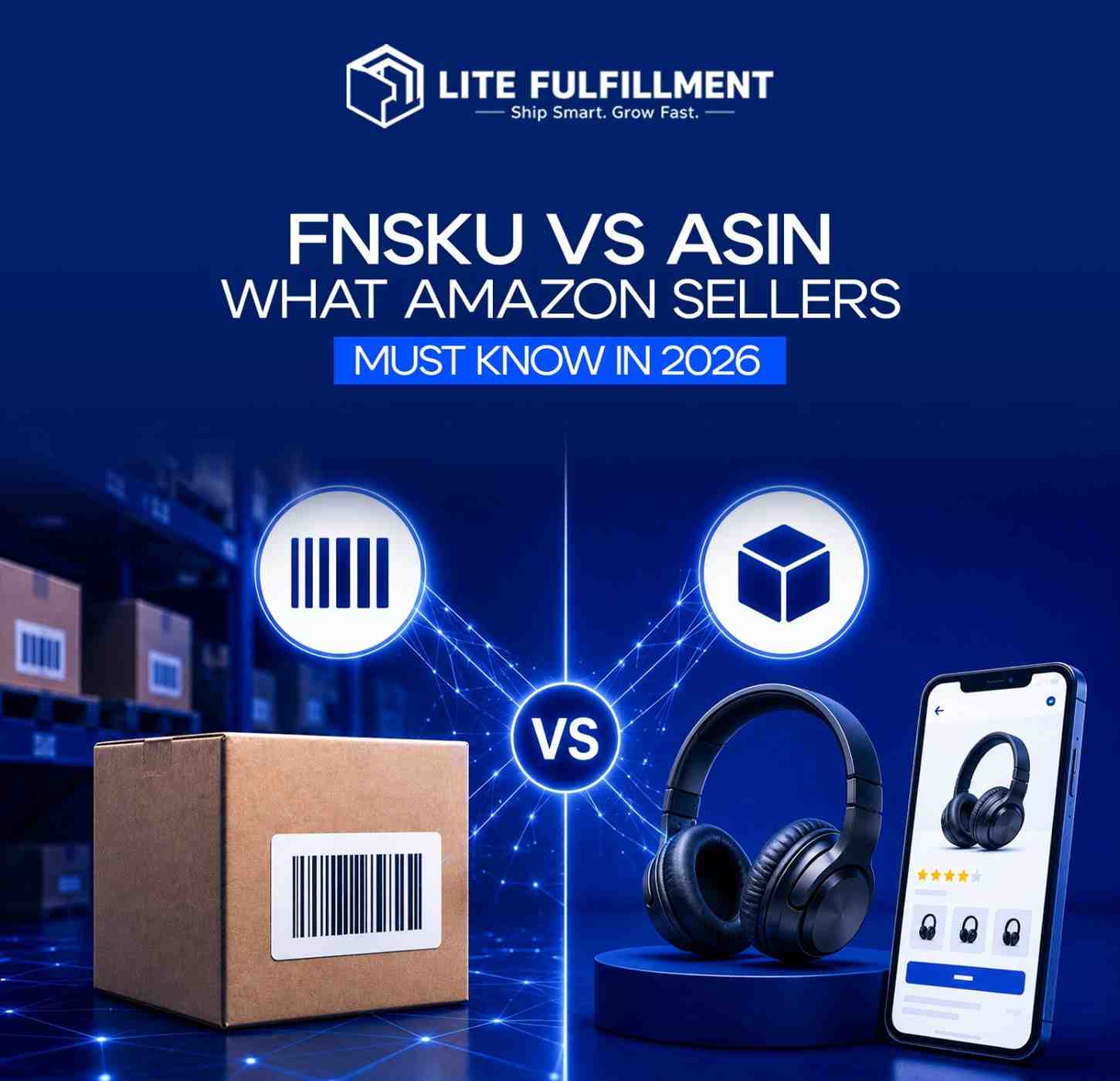
An ASIN identifies a product listing on Amazon. An FNSKU identifies a physical unit tied to a specific seller.
The ASIN is public. Every listing has one. Anyone can see it in the URL of a product page. The FNSKU is private to your account and gets printed on the physical label that goes on each unit before it enters an Amazon fulfillment center.
Same product, different roles. The ASIN tells Amazon what the item is. The FNSKU tells Amazon whose inventory this specific unit belongs to.
What Is an ASIN
ASIN stands for Amazon Standard Identification Number. It is a 10-character alphanumeric code, usually starting with a B, like B08N5WRWNW. Amazon assigns one ASIN per product listing across its catalog. Books use the ISBN as their ASIN. Everything else gets a fresh one when the listing is created.
A few things worth knowing about ASINs:
- One ASIN can have many sellers attached to it if the product is the same and Amazon allows co-listing
- Variations like size and color usually share a parent ASIN and have child ASINs underneath
- The ASIN never changes for a listing once it is created
- You cannot rebrand an ASIN. If your product changes materially, you create a new listing with a new ASIN
The ASIN is what customers search, click, and buy. It is the catalog identity of the product.
What Is an FNSKU
FNSKU stands for Fulfillment Network Stock Keeping Unit. It is also 10 characters, usually starting with an X, like X0021ABCDE. Amazon generates it when you create an FBA offer on a listing.
The FNSKU is unique to your seller account for that specific ASIN. If two sellers both offer the same product, they each get a different FNSKU for the same ASIN. That is the whole point of the code. It lets Amazon tell your inventory apart from another seller's inventory inside the same fulfillment center, even when the products are physically identical.
The FNSKU gets printed as a barcode on a sticker that goes on every unit you send to FBA. Amazon scans it on receipt to check the unit into your inventory pool, and scans it again when picking to fulfill a customer order.
How ASIN and FNSKU Actually Relate
Think of it as a hierarchy. The ASIN is the catalog level. The FNSKU is the seller level. Below that sits the actual physical unit.
| Level | Identifier | Scope | Example |
|---|---|---|---|
| Catalog listing | ASIN | Public, shared across all sellers of that product | B08N5WRWNW |
| Seller offer | FNSKU | Private to your account, tied to your ASIN offer | X0021ABCDE |
| Physical unit | The label on the box or bag | One per unit shipped to FBA | Barcode of the FNSKU |
Two sellers can share an ASIN. They cannot share an FNSKU. That is the rule that drives every operational decision downstream.
Why the FNSKU Matters More Than Ever in 2026
Amazon ended commingled inventory on March 31, 2026. Before that date, sellers could opt into a system where Amazon pooled identical units from different sellers using the manufacturer barcode, and any unit could be shipped to fulfill any seller's order. It was convenient and it was cheaper. It also caused endless problems with counterfeit units and quality control.
That option is gone. Every unit you send to FBA now must carry your FNSKU. No exceptions for branded products, no exceptions for high-volume ASINs. If a unit shows up at an Amazon fulfillment center without an FNSKU sticker covering the manufacturer barcode, it gets rejected, quarantined, or in some cases destroyed at your cost.
This is the operational reality every prep center is working under in 2026. It is also why sellers who used to skip FNSKU labeling can no longer do so.
🔑 Key takeaway: Since commingled inventory ended, every FBA unit must carry its own FNSKU. There are no exceptions for branded or high-volume products.
When to Use ASIN vs FNSKU
Use the ASIN when:
- You are creating or editing a product listing in Seller Central
- You are pulling sales, traffic, or advertising reports
- You are running PPC campaigns
- You are researching competitors or checking category placement
- You are working with Brand Registry
Use the FNSKU when:
- You are creating an inbound shipment plan for FBA
- You are printing labels for your prep center or in-house team
- You are checking on-hand inventory in your FBA account
- You are investigating stranded, unfulfillable, or lost units
- You are reconciling reimbursements
Mixing them up is one of the most common causes of prep errors. A prep center that receives an ASIN when it needed an FNSKU cannot label your units. A seller who searches for an FNSKU on the front-facing Amazon site will find nothing. They live in different systems for different reasons.
How FNSKU Labeling Actually Works at a Prep Center
Here is the sequence any competent prep center follows.
You create the inbound shipment plan in Seller Central, selecting the ASIN and confirming the FNSKU
You download the FNSKU label PDFs from Seller Central at the size Amazon requires, typically 1 inch by 2 inches or 1 inch by 3 inches
You send those PDFs to your prep center along with the shipment plan
The prep center prints the FNSKU labels
Each unit is inspected, poly bagged if required per Amazon's packaging requirements, and the FNSKU sticker is applied so it completely covers any existing manufacturer barcode
Labeled units are packed into master cartons, box labels are printed, and the shipment is booked to the assigned fulfillment center
The label placement rule matters. Amazon scanners cannot see two barcodes on one unit. If the manufacturer UPC is still visible, the scanner may pick that up first and route the unit into the wrong pool. Full coverage of the original barcode with the FNSKU sticker is the standard.
💡 Pro tip: Full coverage of the manufacturer barcode with the FNSKU sticker is the standard prep centers work to. Partial coverage is the most common cause of scan mismatches.
Common FNSKU and ASIN Mistakes
- Sending inventory with no FNSKU label. Since commingling ended, this is the fastest way to get a shipment rejected.
- Using the wrong seller account's FNSKU. If you run multiple accounts, each has its own FNSKU for the same ASIN. Mixing them up will strand inventory in the wrong account.
- Reusing old FNSKU labels after a variation change. A new size, color, or pack size may generate a new FNSKU. Old labels do not carry over.
- Applying an FNSKU that does not match the inbound plan. Seller Central will reject the receipt or check units into an unlinked SKU.
- Confusing FNSKU with SKU. SKU is your internal identifier, chosen by you. FNSKU is Amazon's identifier, generated by them. They are not interchangeable.
- Assuming a new ASIN inherits an old FNSKU. It does not. A new ASIN gets a fresh FNSKU when you attach an FBA offer.
FNSKU vs ASIN vs UPC vs SKU: One Clean Table
Sellers hit a lot of codes in the FBA workflow. Here is how they all fit.
| Code | Assigned By | Scope | Purpose |
|---|---|---|---|
| UPC / EAN | GS1 or manufacturer | Global product identifier | Retail-wide product identification |
| ASIN | Amazon | Amazon catalog listing | Identifies the product listing on Amazon |
| SKU | You, the seller | Your internal system | Your own inventory tracking |
| FNSKU | Amazon FBA | Your seller account for a specific ASIN | Physical unit identification inside Amazon's fulfillment network |
The FNSKU is the only one of these four that Amazon requires physically printed on every FBA unit.
What to Do If Your ASIN Has No FNSKU Yet
If you just created an FBA offer and cannot find an FNSKU, walk through these steps:
- Go to Manage Inventory in Seller Central
- Confirm the offer is set to Amazon-fulfilled, not merchant-fulfilled. FBM offers do not generate an FNSKU
- Wait a few minutes. Amazon sometimes lags in provisioning the code
- Refresh and check the FNSKU column
- If it is still missing after an hour, open a case with Seller Support
Once the FNSKU exists, you can print labels from the shipment creation workflow at any time.
Where Lite Fulfillment Fits In
Getting the ASIN and FNSKU right is the foundation of clean FBA prep. Everything downstream, poly bagging, bundling, expiration date checks, box labeling, inbound routing, depends on the correct FNSKU being applied to every unit.
Our Amazon FBA prep service handles FNSKU labeling to Amazon's placement and coverage rules, alongside inspection, poly bagging, bundling, and inbound shipment creation. Our warehouse operates from Wilmington, Delaware, in a 0% sales tax state, which keeps inbound costs down and gives us fast access to the East Coast fulfillment centers.
If you want the full picture of what prep involves before your units ever hit an FBA network, our guide on what Amazon FBA prep really covers walks through the workflow. For the specific rules around poly bags, bubble wrap, and suffocation warnings, see our breakdown of Amazon FBA packaging requirements.
Conclusion
The ASIN identifies the product. The FNSKU identifies your specific units of that product inside Amazon's network. Since commingled inventory ended in March 2026, every FBA unit must carry its FNSKU, applied correctly, covering the manufacturer barcode. That is not a nice-to-have. It is the baseline for getting inventory checked in.
Treat the two codes as tools for different jobs. Use the ASIN when you work on the listing side. Use the FNSKU when you work on the physical inventory side. Keep them straight and most of the FBA prep problems that trip up sellers simply do not happen.
Need FBA prep with FNSKU labeling handled correctly? Contact Lite Fulfillment at hamza@litefulfillment.com or +1 (302) 765-8843, or request a custom prep quote.